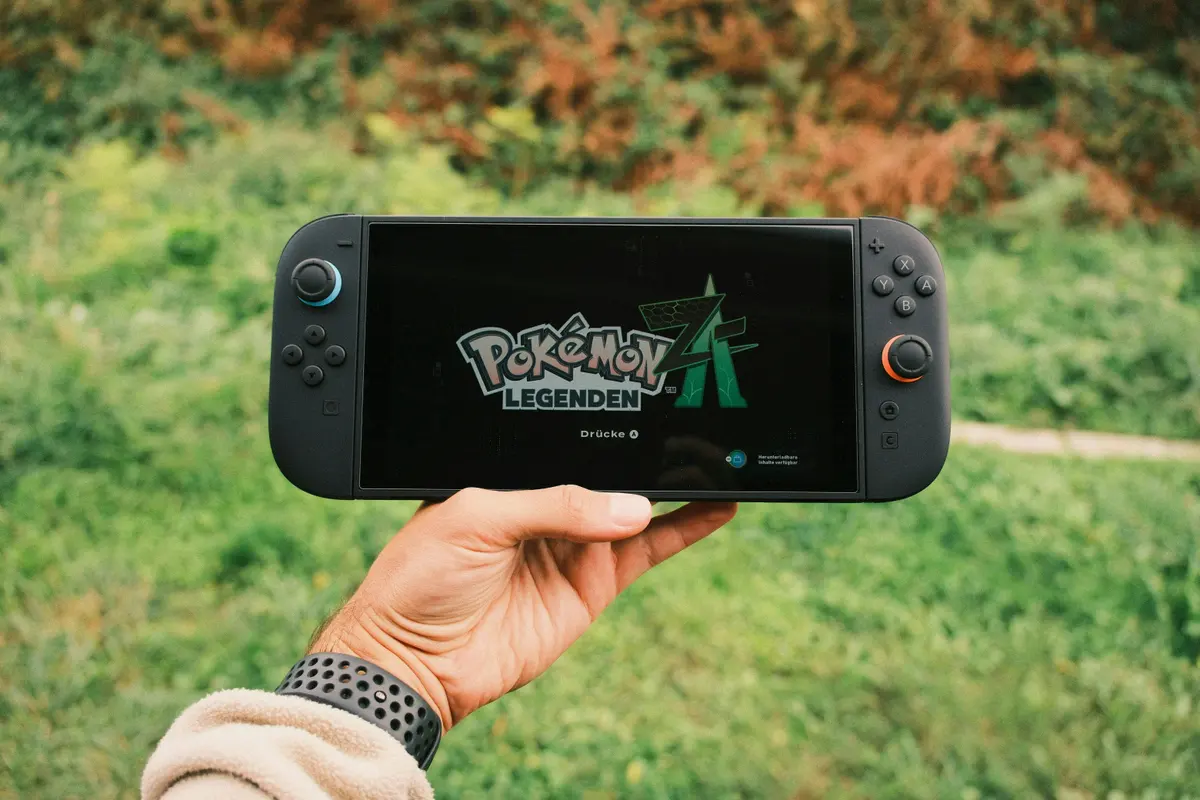
Coming From the Original Switch
I had the launch Switch from 2017. After almost six years, the battery was shot and the screen had some minor burn-in. Instead of just replacing the battery, I decided to upgrade to the OLED model.
Six months in, here’s whether I think it was worth the extra money.
The Screen Really Is Better
This is the main selling point, and Nintendo wasn’t exaggerating. The OLED screen is noticeably better than the original LCD. Colors pop more, blacks are actually black, and there’s more contrast overall.
Games like Hollow Knight and Metroid Dread look fantastic on it. Even older games I’ve replayed look better just because the screen quality improved.
Is it a must-have upgrade just for the screen? That depends on how much you play in handheld mode. I’d say about 70% of my gaming is undocked, so for me the better screen matters a lot. If you mostly play on TV, you won’t notice the difference.
The Kickstand Finally Works
The original Switch had that terrible skinny kickstand that fell over if you looked at it wrong. The OLED model has a wide kickstand that spans most of the back. It actually works now. I can play tabletop mode without propping the Switch against something.
Small change, big improvement.
Other Upgrades I’ve Noticed
Better speakers. They’re still not amazing, but noticeably fuller than the original. I use headphones most of the time anyway, but it’s nice when I don’t.
More storage. 64GB internal vs 32GB on the original. Still not enough for people with big digital libraries, but it helps. I still use a microSD card.
Ethernet port on the dock. If you play online a lot and your WiFi is spotty, this is handy. Direct connection is always more stable.
What Hasn’t Changed
The processor and graphics are identical to the original Switch. Games don’t run better or load faster. If you were hoping for a performance boost, this isn’t it.
The Joy-Cons are the same, including the drift issues. Mine started drifting after about four months, just like the original did. Nintendo still hasn’t fixed this.
Battery life is similar to the V2 Switch revision - about 4.5 to 9 hours depending on the game. Breath of the Wild gets me around 5 hours, less demanding games longer.
The Joy-Con Drift Situation
I have to mention this because it’s frustrating. The left Joy-Con developed drift (the stick registers movement when I’m not touching it). This is a known issue Nintendo has dealt with for years.
You can send them in for free repair, which I did. Takes about 2 weeks. Or you can buy a third-party controller. But it’s annoying that a $350 console still ships with controllers prone to this problem.
Who Should Upgrade
Consider it if:
- You play handheld mode frequently
- Your original Switch is showing its age
- You don’t already own a V2 Switch
- The visual quality matters to you
Probably skip if:
- You mostly play docked
- You already have a V2 Switch (the upgrade is smaller)
- You’re waiting for an actual Switch 2
- Budget is tight (the games library is the same)
My Take
The OLED Switch is the best version of the Switch Nintendo has made. The screen upgrade alone makes handheld gaming noticeably more enjoyable. The improved kickstand is a nice bonus.
But it’s not a new console. Same games, same performance, same Joy-Con issues. If your current Switch works fine and you mostly play on TV, the upgrade might not be worth the money.
For me, coming from a worn-out launch model, I’m happy with the purchase. The screen quality improvement was worth it for how I play.
Prices may vary by retailer. Check current availability.