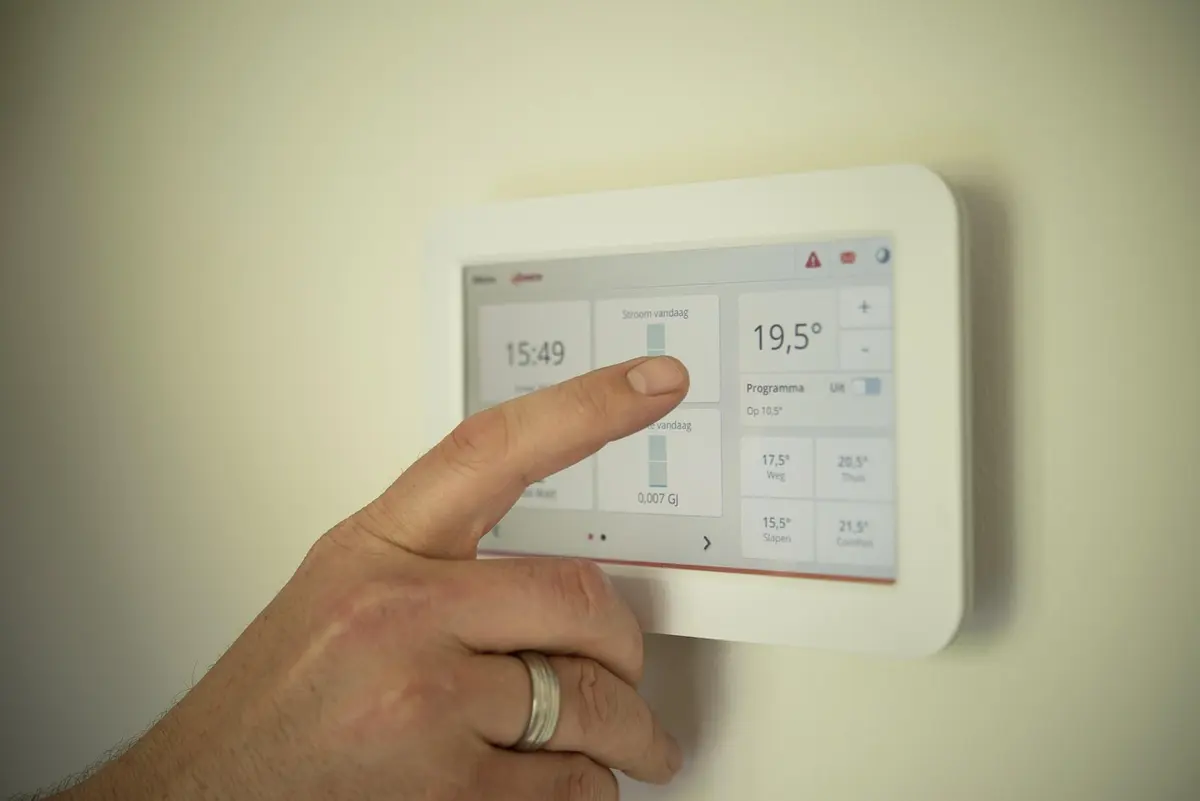
Why I Finally Switched to a Smart Thermostat
I put this off for way too long. Kept telling myself my old programmable thermostat was fine, that I didn’t need another gadget to manage. Then I got my electricity bill last August and nearly fell over.
Turns out, a smart thermostat is one of the few smart home purchases that genuinely pays for itself. Mine paid back its cost in about eight months through energy savings. The ability to control it remotely is nice, but honestly it’s the automatic adjustments based on when I’m actually home that make the real difference.
After testing several models over the past year, here’s what I found.
My Top Recommendations
1. Ecobee Smart Thermostat Premium
This is the one I ended up keeping on my wall.
The built-in air quality monitor caught me off guard - I didn’t think I’d care about it, but now I check it during wildfire season. The included SmartSensor solved my biggest problem: the hallway where my old thermostat sat was always cooler than my bedroom, so the AC would shut off before my room was comfortable.
What stands out:
- Built-in Alexa means one less speaker cluttering your shelf
- The included room sensor actually works (put mine in the bedroom)
- Works with pretty much every voice assistant
- Energy reports that are genuinely useful, not just marketing fluff
The downsides:
- It’s expensive. No way around that.
- If you just want basic scheduling, you’re paying for features you won’t use
I’d recommend this if you have a multi-story house or rooms that run hot/cold.
[Check Price]
2. Google Nest Learning Thermostat
The “learning” part isn’t just marketing. It took about two weeks before I noticed it had figured out my schedule better than I had programmed my old thermostat.
There’s something satisfying about the wheel interface too. My wife actually uses it, which says something - she refused to touch the old programmable one.
What stands out:
- Genuinely learns your patterns over time
- The design is admittedly nice looking
- If you’re already using Google Home, setup takes maybe ten minutes
- Home/Away detection works well
The downsides:
- Room sensors cost extra and I think they should be included at this price
- The Nest app has gotten cluttered over the years
This is a solid choice if you want something you can mostly forget about after setup.
[Check Price]
3. Amazon Smart Thermostat
I bought this for my parents’ house because I knew they wouldn’t want to spend much.
For what it costs, I’m genuinely impressed. It’s not fancy but it does the job. The Alexa integration means my mom can just say “Alexa, make it warmer” instead of getting up, which she loves.
What stands out:
- The price is almost suspiciously low
- Alexa voice control works great
- I installed it in about 20 minutes with zero issues
- Does what a thermostat needs to do
The downsides:
- No room sensors available
- Looks pretty basic
- You really need to be using Alexa to get the most out of it
If you’re on a budget and already have Echo devices, this is hard to argue against.
[Check Price]
4. Nest Thermostat (Standard)
This is what I recommend to most people who ask.
It’s got that Nest polish without the premium price tag. The mirror display looks cool when it’s off - just blends into the wall. My brother has had his for two years now and has had zero issues.
What stands out:
- Nice balance between features and cost
- The Savings Finder actually suggests useful schedule tweaks
- Setup was painless
- Looks modern without being flashy
The downsides:
- Not as “smart” as the Learning version
- Room sensors are extra (sensing a theme here)
For most people in most houses, this is probably the right choice.
[Check Price]
5. Honeywell Home T9
Honeywell has been making thermostats forever, and it shows. This thing is built like a tank and the room sensor system is arguably the best available.
I tested this at my in-laws’ place. Their house has some weird HVAC zones and the T9 handled it better than the Ecobee did in my testing.
What stands out:
- Room sensors are excellent and responsive
- Compatibility with basically any HVAC system you can throw at it
- Honeywell reliability (boring but important)
- Solid app that doesn’t try to do too much
The downsides:
- Doesn’t learn your schedule automatically
- Design is pretty plain - looks like a thermostat
- Interface feels a bit dated compared to Nest/Ecobee
Good choice if your house has temperature variation issues between rooms.
[Check Price]
Quick Comparison
| Thermostat | Sensors | Voice | Learning | Price | Best For |
|---|---|---|---|---|---|
| Ecobee Premium | Included | All 3 | Yes | [Check Price] | Feature lovers |
| Nest Learning | Separate | Yes | [Check Price] | Set & forget | |
| Amazon Smart | No | Alexa | Limited | [Check Price] | Budget |
| Nest Thermostat | Separate | Yes | [Check Price] | Most homes | |
| Honeywell T9 | Separate | All 3 | No | [Check Price] | Multi-zone |
Features Worth Caring About
Room Sensors
If your house is like mine, the thermostat is in a hallway that’s always a different temperature than where you actually spend time. Sensors in your bedroom or living room let the thermostat target the rooms you care about.
Learning Capability
Some thermostats watch when you adjust the temperature and start doing it automatically. Sounds a bit Big Brother but it’s actually convenient once you stop noticing it.
Geofencing
Uses your phone’s location to know when you leave. No more cooling an empty house because you forgot to adjust before work.
Energy Reports
Seeing actual data on your usage patterns helps you make smarter decisions. Or at least feel guilty about running the AC too much.
Installing It Yourself
Most people can handle this - I’m not particularly handy and I managed fine.
- Flip the breaker for your HVAC (important!)
- Take a photo of your current wiring before you touch anything
- Remove the old thermostat
- Connect wires to the new base plate
- Walk through the app setup
One note: If you have a heat pump, multi-stage system, or your wiring looks nothing like the diagrams, probably worth getting an HVAC tech to take a look. Not worth frying your system to save $75 on installation.
My Take
For most homes, the standard Nest Thermostat is what I recommend. It’s got the features that matter, looks good, and won’t break the bank.
If you want every bell and whistle and have a house with temperature issues, the Ecobee Premium is worth the splurge.
If budget is the main concern, the Amazon Smart Thermostat is genuinely impressive for the price.
Prices fluctuate constantly, especially during Prime Day and Black Friday. Worth checking before you pull the trigger.